SINGAPORE EV GUIDES
Which EV charging apps do you need in Singapore?
Find chargers, check availability and set up payment. Compare the roles of MyTransport.SG, charging-operator apps, SimplyGo and PlugShare.
EV charging operators in Singapore
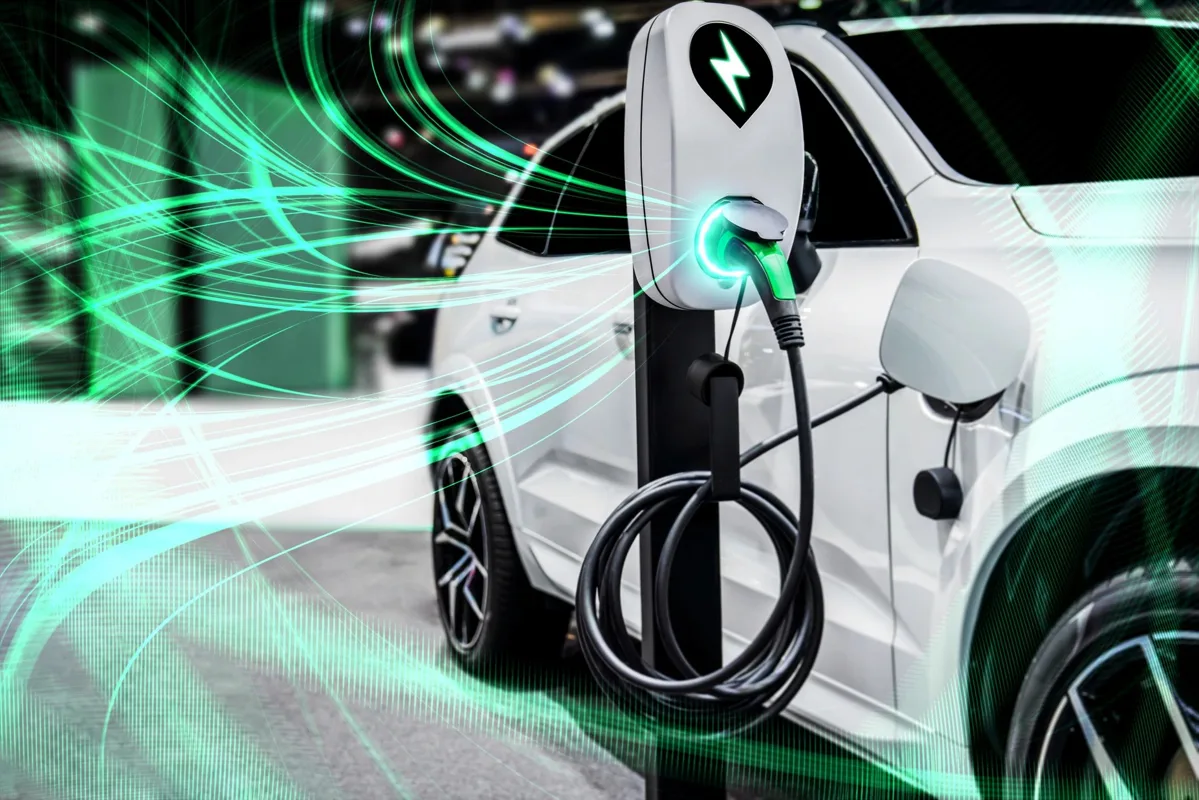
Singapore’s EV top charging stations feature various providers. Drivers must install multiple apps to use these different charging stations.
Compare your charging options at a glance
| Your charging access | Indicative rate | What to include in your comparison |
|---|---|---|
| Landed home | About $0.35/kWh | Household charging rate and charger installation. |
| Condominium | About $0.40–$0.60/kWh | The development’s charging agreement and operator charges. |
| Public AC | From about $0.70/kWh | Electricity, parking and any additional fees. |
| Public DC | About $0.90/kWh or higher | Electricity, parking, convenience and time saved. |
Choose apps for the chargers you use
Start with your regular charging location and a backup, then install the apps those locations support. A map app can help you discover a charger without necessarily letting you start or pay for it. Confirm that the exact location appears in the payment app before driving there.
Keep your account, payment method and notifications ready before your first visit. Check any temporary card authorisation, cancellation rules and receipt process in the service’s current terms.
Finding a charger versus paying for one
| Service | Useful for | Check before relying on it |
|---|---|---|
| MyTransport.SG | Finding publicly accessible charging points and availability information. | Operator, access and the supported way to start the session. |
| Charging operator’s app | Checking its chargers, charging rates and supported session/payment controls. | The exact location, account requirements and any extra fees. |
| SimplyGo EV Charging | Finding, using and paying at participating charging points. | Whether your intended charger is supported and the price shown. |
| PlugShare | Discovering locations and reviewing community information. | Access details and recent reports; confirm operation and payment with the provider. |
Set up a reliable first session
- Identify the charger in the app and match its location or unit number to the equipment.
- Check connector compatibility with your car. Public charging commonly uses Type 2 AC or CCS2 DC.
- Review the price, parking terms and any idle fee before starting.
- Follow that charger’s connection and activation order. Watch for confirmation on both the app and the car.
- Check that energy is being delivered. A plugged-in cable alone does not confirm an active session.
- End the session as instructed, disconnect, move the car and keep the receipt.
If a charger will not start
Check the selected unit number, payment status and instructions first. Use the operator’s help channel if the session remains stuck or the connector will not release. Avoid repeatedly starting new paid sessions without checking whether an earlier one is active.
Save a backup location before you need it. For your regular route, compare app coverage and total session cost rather than keeping many unused accounts. See the EV Charging guide for operator links and the HDB and condo guide for parking and access checks.
Plan your EV ownership in Singapore
Choose the guide that answers your next question.